Parent view · For parents

Three lines tonight. One dinner question.

Every evening, on your phone: what your child finished, what is still not clear, and one real question to ask over dinner. Not a report card. Not a chat log.

Takes a minute to read. A short note every week. Nothing to decode.

A
Aarav · Class 8Today, 8:14 PM
Finished

2 topics finished today

In progress

1 topic still open

Still not clear
  • Adding fractions with different denominators
  • Finding the LCM of two numbers

“Which is bigger, 2/3 or 3/5? How do you know?”

Listen for: he compares by finding a common denominator, not by guessing.
How it works

Your child studies. You read three lines.

You do not set anything up each day. SwaVid writes the summary from what your child actually did, and only from that.

  1. 01

    Your child studies on SwaVid

    Lessons, practice questions and doubts on a chapter like Class 8, Fractions. Study time is counted only while a lesson is actually open.

  2. 02

    The day is written up honestly

    Finished topics are listed as finished. A topic that was opened but not finished stays in a separate “in progress” line — never added to the finished count.

  3. 03

    You get one question for tonight

    Written from what was finished that day, like “Which is bigger, 2/3 or 3/5?” Each comes with what a good answer sounds like, so you can listen without checking the notebook.

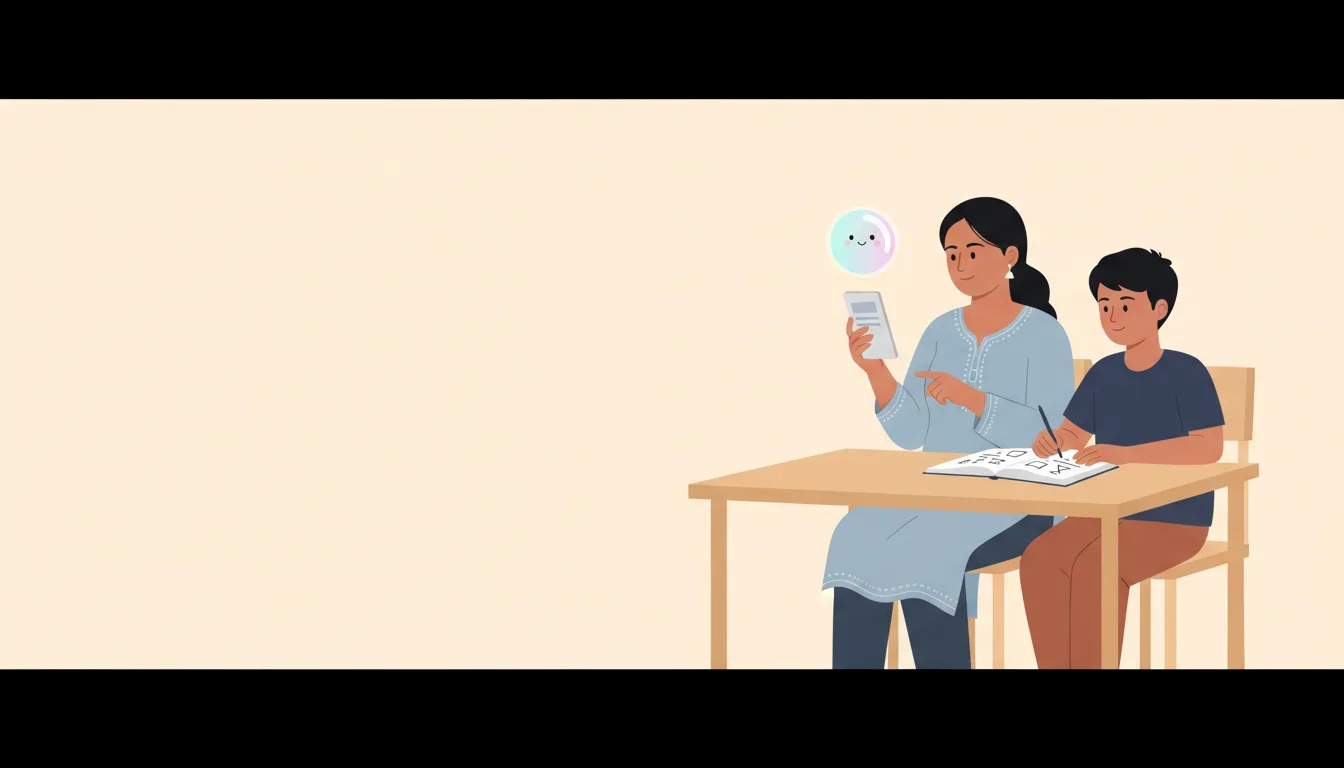
A mother at a kitchen table reading a short summary on her phone while her son studies from a maths book beside her

What changes for your child

You talk about the chapter, not the marks.

Most children hear “did you study?” every night. With the Parent view you ask about the exact idea from today, and notice a gap weeks before the unit test.

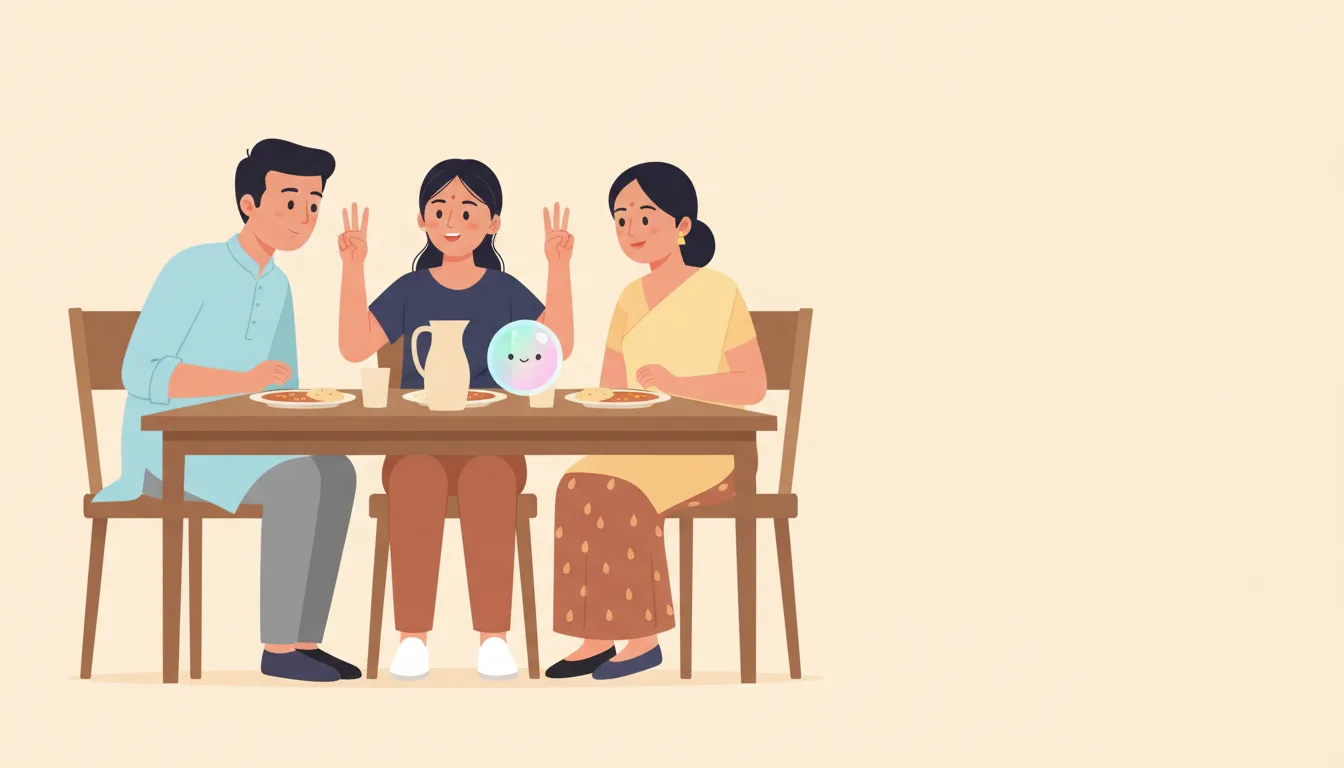
An Indian family at dinner; the father asks the daughter a question and she explains a fraction with her hands

A gap is named early

If “fractions with unlike denominators” keeps going wrong in practice, it appears under “still not clear” that same week — before the class test, not after.

Only checked ideas are listed. Untouched chapters are never marked weak.

Dinner becomes a two-minute check

One question from today’s lesson. Your child explains it in their own words. You tap whether it went comfortably or needed a little help.

Conversation, not supervision. SwaVid remembers how it went.

Exam weeks get a plan you approved

Before a unit test, pick the subject, date, chapters and daily minutes. SwaVid drafts a day-by-day plan. Nothing is built until you confirm the review.

An uploaded timetable photo works the same way: a draft, not a decision.

What you see as a parent

Each day, three lines. Each week, one note.

Ordered by the questions parents actually ask: is my child okay, did they really work, what do I do tonight. You can stop reading after the third line.

  • Every day: topics finished, one in progress, real minutes spent, and up to three ideas still not clear.
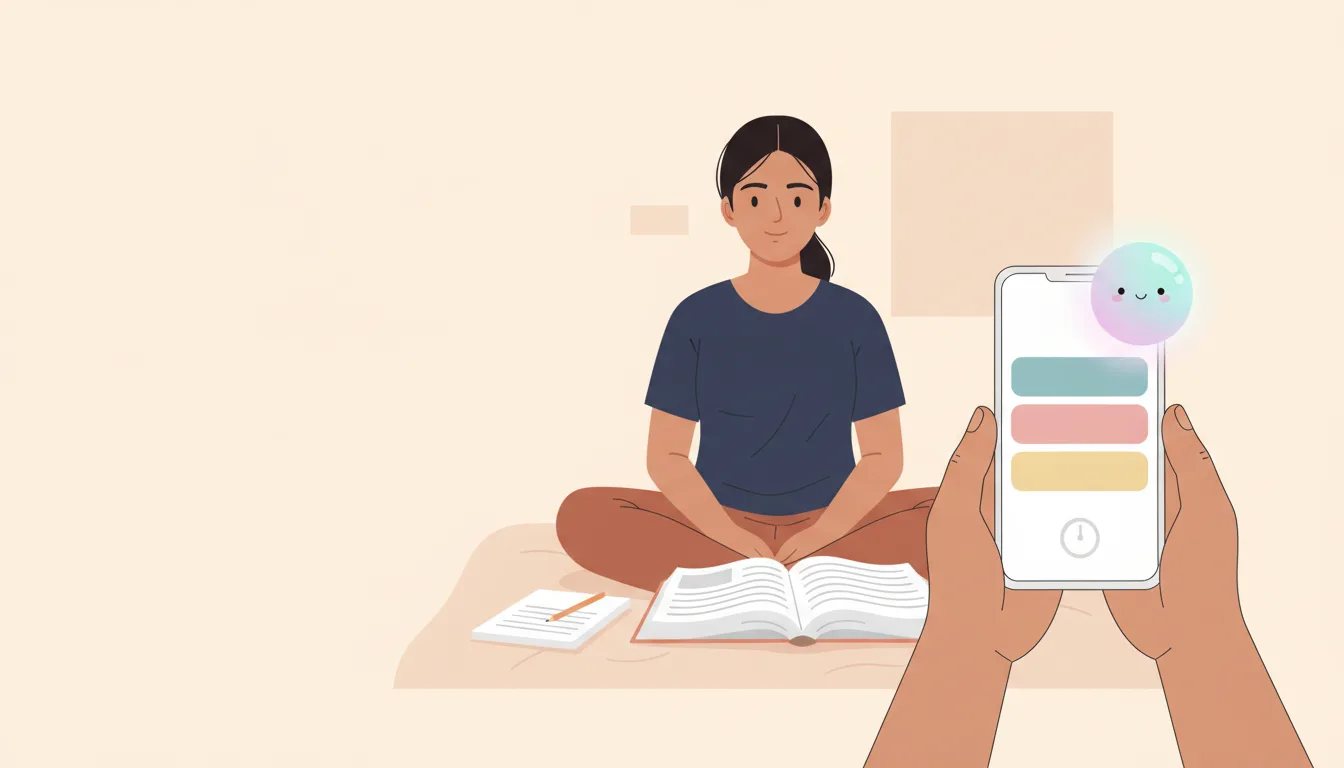
  • Every week: a short written note — what went well, what changed, one thing to do this week.
  • On request: ask something like “Will Aarav be ready for the Maths unit test?” and get an answer built only from his recorded work.
Close view of a mother's phone showing a weekly note with three short cards, her daughter doing homework in the background

What it will not do

It shows learning. It does not read chats.

The Parent view summarises lessons and practice. It is not a window into everything your child does.

  • Your child’s AI Buddy conversations stay private, always. A genuine safety concern reaches you as a separate alert — never a transcript.
  • No invented scores. A day with nothing recorded shows as a quiet day, not a zero. An untouched chapter is never called weak.
  • No push to your phone yet. The daily lines and weekly note live in the parent view — we are not claiming a WhatsApp alert that does not exist.

Questions parents ask

Before you add your child

No. The view tells you what was finished and what is still not clear. The dinner question lets you talk about the day without opening a notebook. You can tap "Explained it comfortably" or "Needed a little help" afterwards.

No. The Buddy is private to the student by design. Lessons and practice are summarised for you; conversations are not. A genuine safety concern reaches you as a separate alert, not a transcript.

Not yet. You read the daily lines and the weekly note inside the parent view. We are not promising a push notification before it exists.

Yes. Add each child to your parent account and switch between them at the top of any screen. Each child has their own day, dinner question and weekly note.

Start tonight

Create the parent account. Add your child.

After their first lesson, the first three lines and the first dinner question appear on your phone.